Built for Android flow
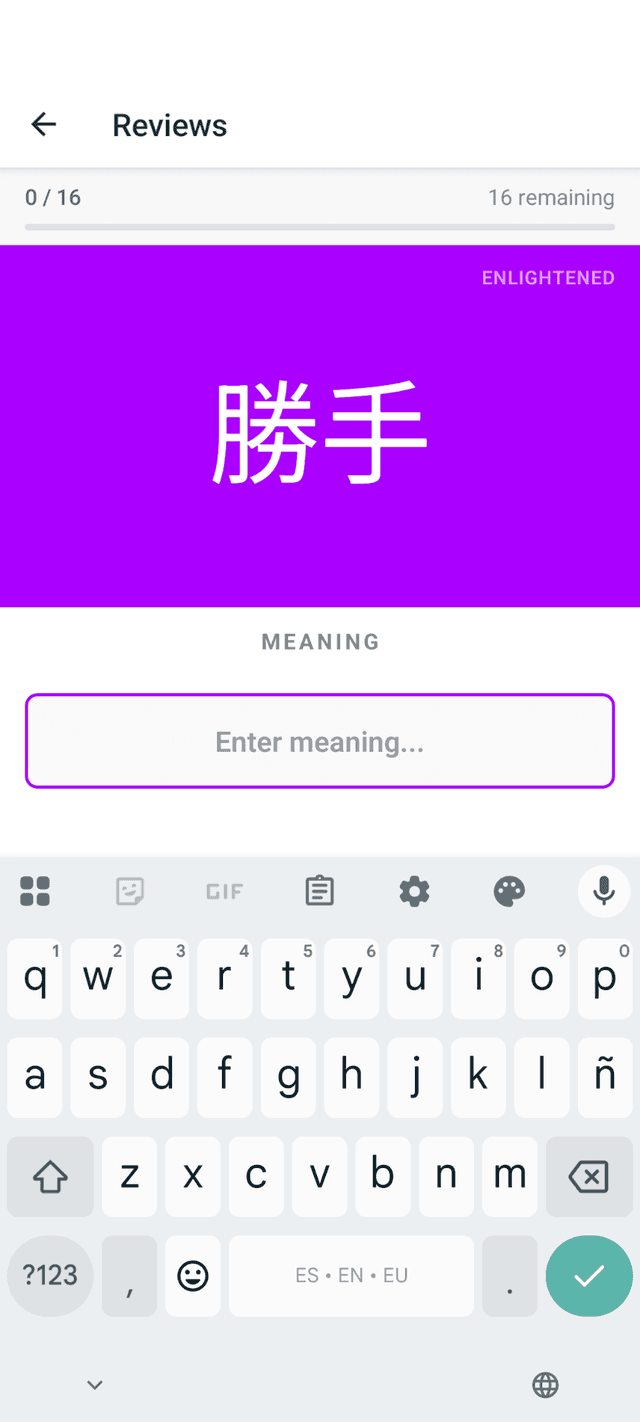
A phone-native review interface that keeps the keyboard and focus where you need them, so WaniKani reviews feel faster than using the desktop web UI on mobile.
Third-party app for WaniKani users
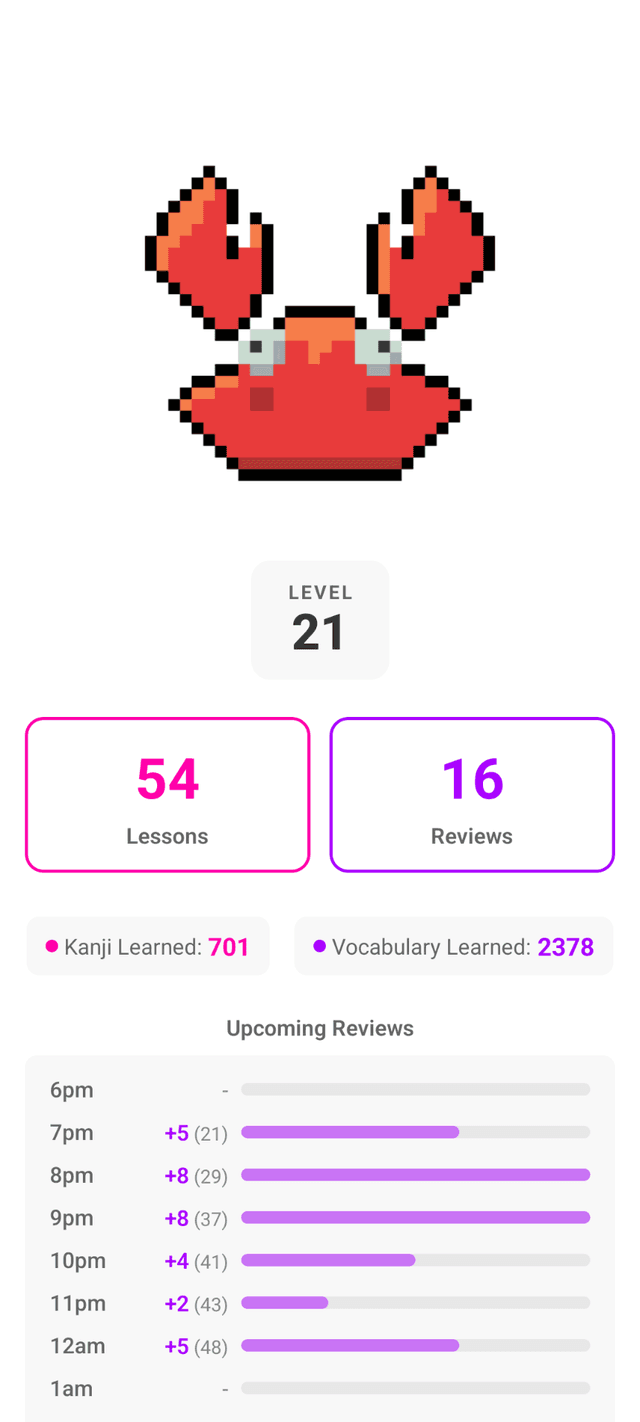
Krabikani syncs with WaniKani and gives you a mobile-first alternative to using the web version on your phone: lessons, reviews, search, and offline study without leaving your Android flow.
Krabikani is an independent companion app. WaniKani is a trademark of Tofugu LLC.
Why Krabikani?
The official WaniKani website is great, but mobile browser study is not always the smoothest way to clear a review queue. Krabikani keeps WaniKani as your source of truth while adding Android-native ergonomics, local storage, and review-focused interactions.
A phone-native review interface that keeps the keyboard and focus where you need them, so WaniKani reviews feel faster than using the desktop web UI on mobile.
Subjects and assignments are stored locally with SQLite. Study when connection is spotty and sync queued progress when you are back online.
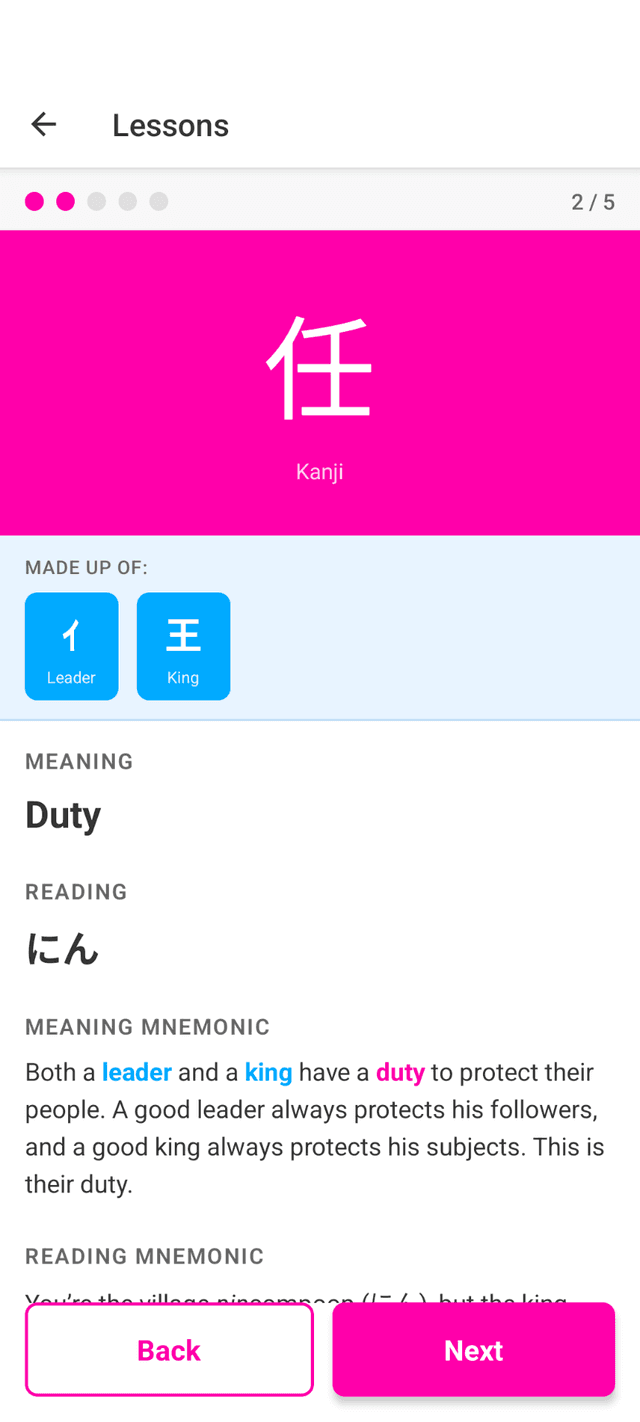
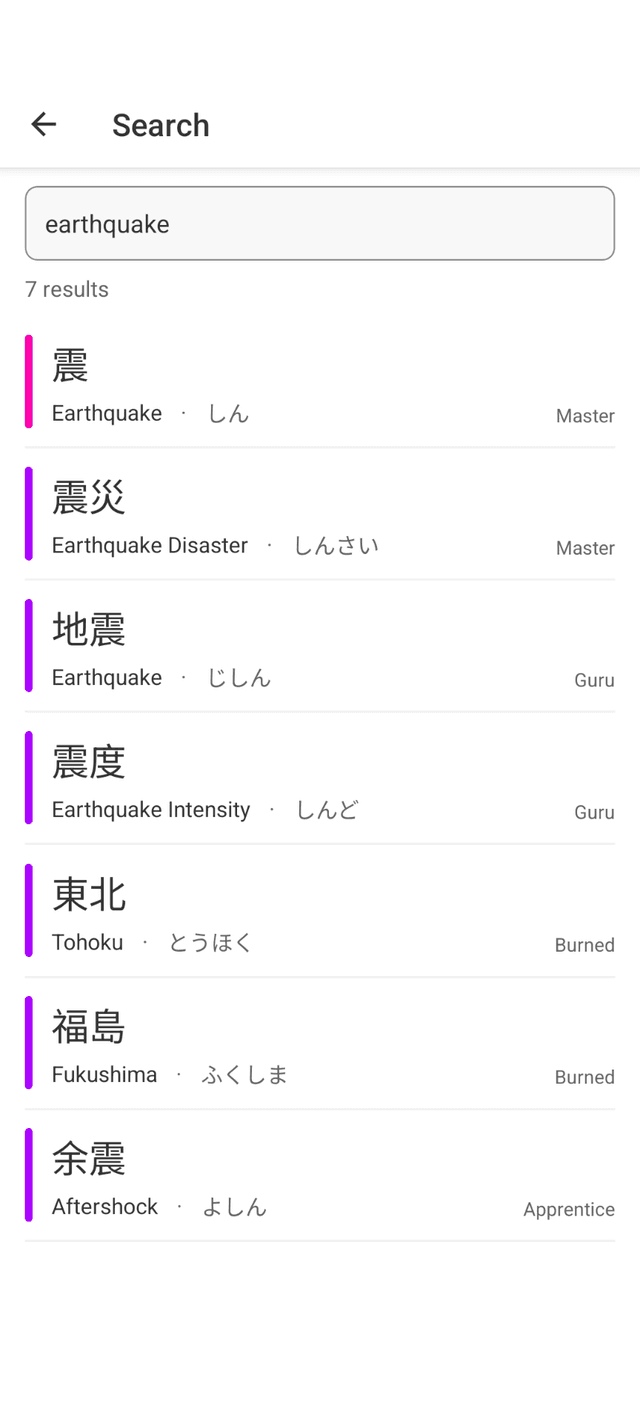
Do WaniKani lessons, run SRS review sessions, wrap up naturally, use zen mode, and search learned radicals, kanji, and vocabulary.
Hourly notifications can help you avoid review pileups when your available WaniKani reviews climb too high.
Alternative to mobile web
Screenshots
Get started
Download the latest APK, install Krabikani, open Settings, paste a WaniKani personal access token, and the app syncs your subjects, lessons, reviews, and assignments.
FAQ
No. Krabikani is an independent companion app that uses the WaniKani API.
No. You still need a WaniKani account. Krabikani syncs with your WaniKani data.
An Android app can provide offline storage, native notifications, and a review interface tailored for mobile input.
Yes. Krabikani supports Android 7.0 (2016) and newer. It is a lightweight, offline-first app with a local SQLite store, so it has no Play Services requirement and runs comfortably on older hardware for the core review flow. Because it is built with React Native, very old or low-RAM devices may see a slower cold start than a fully native app, and syncing a very large review backlog on a slow connection can lag. For most older phones used mainly for WaniKani, the review experience stays smooth.